
Quick Answer
A lookbook presents a collection through a deliberate visual sequence. For an online product lookbook, connect each scene to clear item information and a useful next step. Plan the sequence, captions and product destinations together, then check the actual phone layout. Keep essential product facts readable outside the images.
Lookbooks can appear in print, PDFs, presentations or websites, as described in Design Shack’s format overview. The plan below focuses on an online collection that helps a visitor move from visual interest to the relevant products.
Define the collection and its purpose
Choose a theme that gives the images a reason to sit together: a coordinated product range, a seasonal collection or a particular design approach. State what the visitor should understand and where they should go afterward.
Keep an inventory of featured items, approved photographs and current destinations. A mood image, concept image and available product image can imply different things. Label them accurately and confirm publication rights before including them.
Plan a sequence with a job for each image
| Scene | Content job |
|---|---|
| Opening view | Introduce the collection’s visual direction and explain what the visitor is viewing. |
| Coordinated group | Show how selected items relate, while identifying the featured pieces. |
| Focused detail | Make a relevant material, finish or feature understandable with an accurate caption. |
| Next step | Provide the appropriate product, collection or inquiry destination with clear wording. |
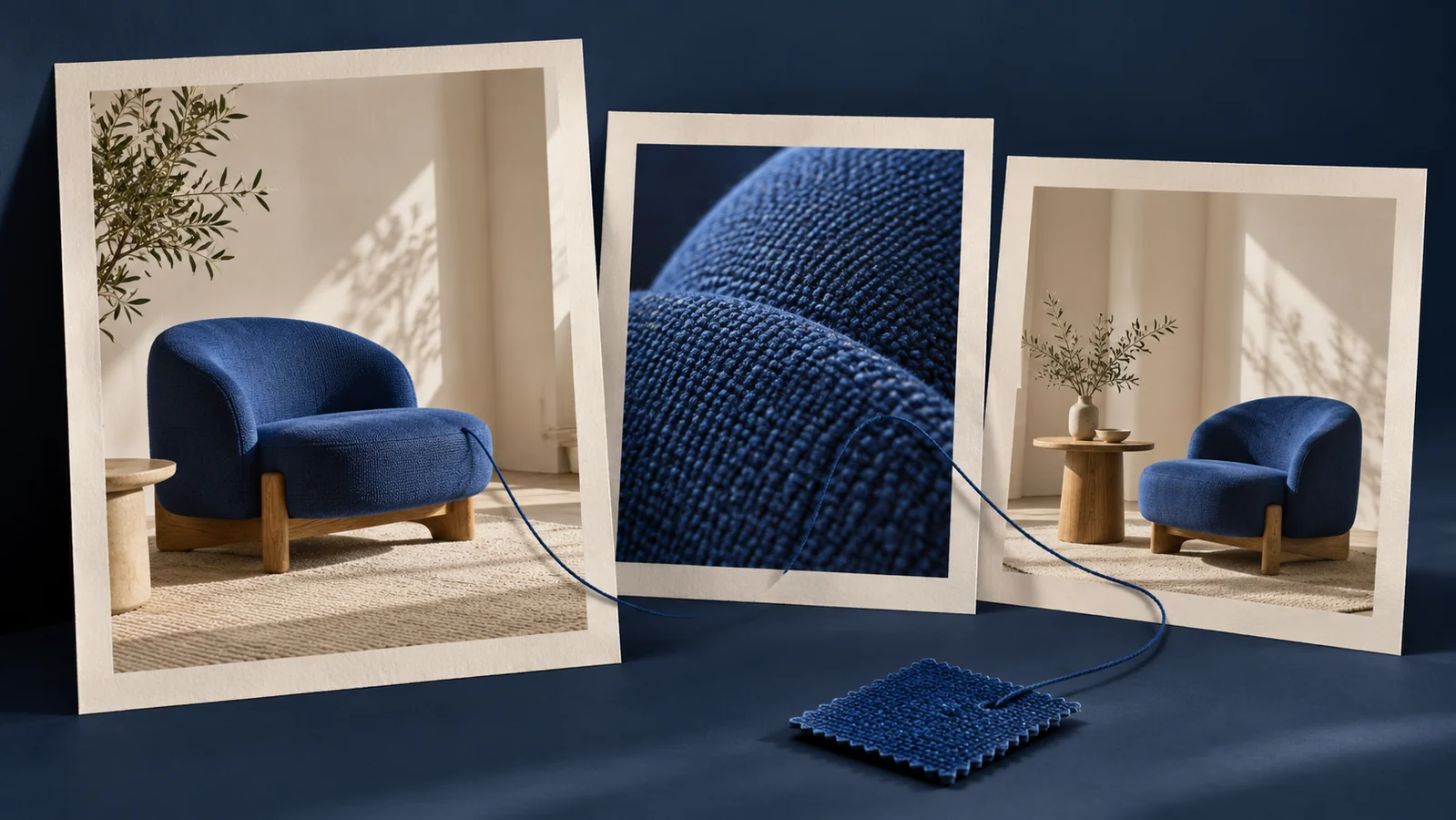
For an invented furniture example, a sequence might show a coordinated room, a chair detail and a link to that chair’s product page. Verify the actual item, finish and specification before publishing a real version. The example does not describe a customer project or available product.
Give visitors understandable product routes
Identify featured items in readable captions or nearby content. Use link wording that describes the destination. W3C’s link-purpose guidance explains how text and associated context communicate where a link goes.
If using image hotspots, ensure the intended information and destinations remain available through usable controls and an understandable reading order. An attractive dot over a photograph does not, by itself, tell someone which item it represents.
Keep specifications, availability and purchasing details with their maintained product records. Review how the lookbook will handle a replaced or unavailable item so the visual sequence does not keep implying an offer the store no longer makes.
Review the actual page on a phone
Inspect the sequence after images stack or crop. A wide group scene can lose the featured item on a narrow screen. Confirm that the associated caption and link remain understandable and in the intended order.
Check keyboard access to links and any interactive controls. Review image delivery and loading with the developer, using the actual page and assets. Do not hide the collection’s entire explanation in an image of text or assume a downloadable PDF provides the same website experience.
Assign collection maintenance
Record who updates the sequence, captions, image permissions and destinations. A lookbook can remain visually consistent while its product links become stale. Include this review in the publishing workflow.
The portfolio guide addresses project stories and contributor evidence, a separate purpose. For a store implementation, Shopify development can scope the collection presentation and product routes. This article does not supply a store or a licensed print template.
Key Takeaways
- Give the collection a clear theme and next step.
- Assign a content job to each image.
- Keep product information and destinations understandable.
- Review phone crops and maintain the featured-item record.
Frequently Asked Questions
Is a lookbook the same as a product catalog?
A lookbook’s visual sequence presents a collection or direction. Keep the product facts and purchasing route available through maintained item records.
Does every image need a hotspot?
Use the interaction that suits the content. Clear captions and ordinary product links may provide the required route with less complexity.
Can I download a lookbook template from this article?
This guide does not supply third-party template files or their license. Verify current acquisition and usage terms with the actual supplier.