
Quick Answer
An effective email banner supports one message and leads naturally to the email’s next action. Keep essential information readable as email text, use appropriate alternative text for meaningful images and test the delivered email with images unavailable as well as visible. Choose a layout that fits the message rather than copying another brand’s campaign.
The following examples are illustrative layout ideas, not published campaigns or measured results. Use them to brief a designer and decide what the banner must communicate.
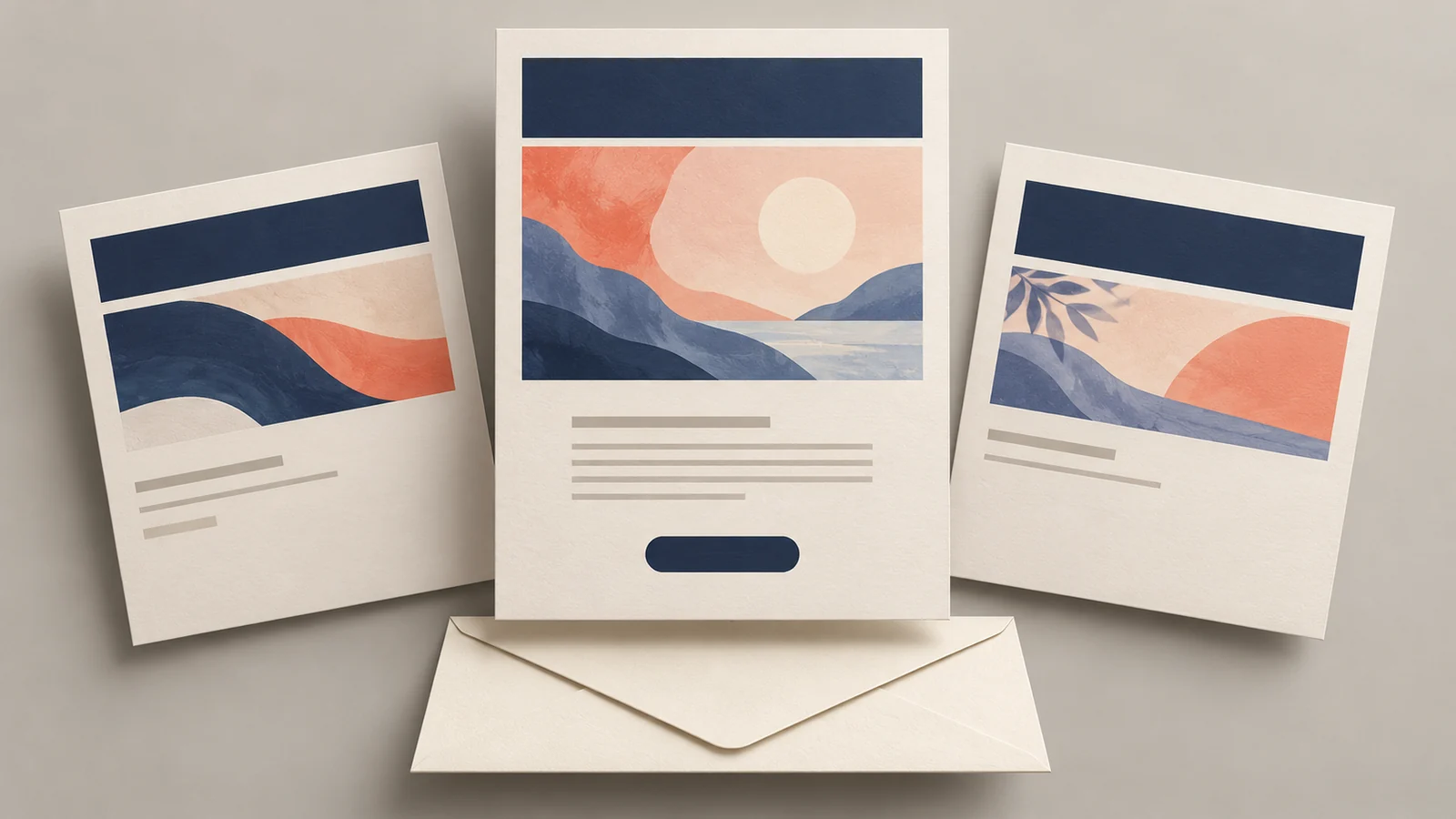
Seven banner layout ideas
| Layout idea | A useful application and check |
|---|---|
| Simple brand strip | A restrained logo or wordmark area for a text-led update. Keep it short enough that the message remains easy to reach. |
| Single product image | One accurate product photograph for an announcement. Put the product name and important offer terms in readable text. |
| Editorial image | A relevant illustration above a newsletter story. Give the story a descriptive text heading and link. |
| Event identity | An image establishing the event’s character. Repeat the date, time zone, location and registration action in the email body. |
| Service announcement | A focused visual for one new or changed service. Explain its actual scope and destination outside the image. |
| Seasonal artwork | A decorative treatment around a timely message. Confirm that the artwork does not obscure the offer or contact details. |
| Text-first opening | A clear heading and short introduction with little or no banner image. Use it when the message matters more than a large visual. |
Decide what belongs outside the image
A banner may attract attention, but it should not be the only place a recipient can learn what the email offers. Include necessary names, dates, conditions and next steps as text. Use a clear link or button label that explains the destination.
Mailchimp’s image alternative text guidance explains why blocked images and screen readers matter. Write alternatives according to the image’s purpose and surrounding content. Test the implementation, since email clients can handle linked images and their alternatives differently.
A decorative image does not need a second sales pitch in its alternative text. Avoid filling it with unrelated keywords or repeating a paragraph that is already available beside it.
Match the banner to the destination
Check that the linked page delivers what the message promises. A service announcement should lead to accurate service details; an event message should lead to the intended event or registration route. Review any date-sensitive information on both sides.
Do not infer a reader’s preferences or insert personal details unless the underlying data and intended use support them. Preview personalization with missing values as well as complete records.
Check the delivered email
Send authorized tests to representative email clients and devices. Inspect the banner crop, text size, spacing, links and reading order. Disable image display and confirm that the message and action remain understandable. Review the plain-text version where the sending system provides one.
Use suitable source dimensions for the actual template. There is no single banner width that guarantees an identical result in every client. A design preview is useful, but it does not replace checking the received email.
If subscribers enter through the website, our Mailchimp and WordPress connection guide covers the separate data route. Our website planning guide helps define the landing-page purpose.
Key Takeaways
- Choose a banner around one message and destination.
- Keep essential information available as readable text.
- Test received emails with and without images.
Frequently Asked Questions
Does every email need a large banner?
No. A short, text-first opening can fit an update better than a large image.
Can the banner contain the entire offer?
Keep essential details and conditions in readable email text as well. Some recipients will not see the image.
Can I copy a successful brand’s banner?
Use design observations as inspiration, then create permitted artwork and a message suited to your audience. A published example does not establish its results or grant reuse rights.