
Practical advice for
better websites.
Guides to website design, WordPress, Shopify, SEO and keeping your site working well.

Build a Portfolio Website: Turn Work Into Clear Project Stories
Choose permitted work, explain the actual contribution and deliverable, and connect readable project evidence to complete portfolio detail pages.
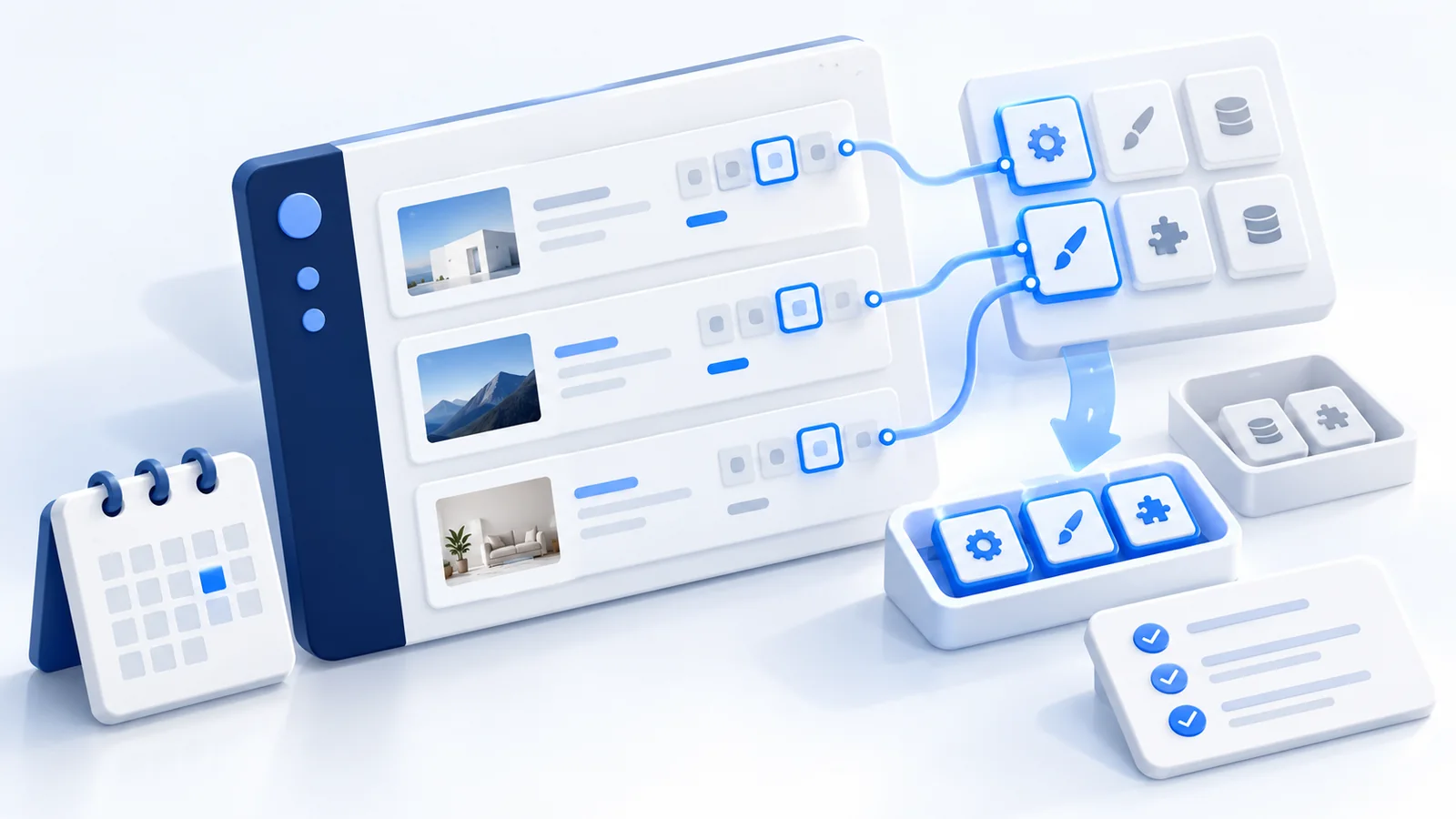
Divi Dash Guide: WordPress Updates and Site Management
Use Divi Dash to review selected WordPress updates, define theme and plugin automation, record results and handle other site management actions carefully.

SPF, DKIM, and DMARC Explained: A Business Email Authentication Guide
Learn how SPF, DKIM, and DMARC work together, map every business email sender, and verify the actual message path before changing DNS or enforcement.

WordPress Automatic Updates: Settings and Review Cadence
Set a WordPress update policy, find plugin and theme auto-update controls, review core settings and plan how to assess notices and check results.

Divi Business Coach Starter: Clarify Engagement Responsibilities
Adapt a business coaching starter around sponsor, participant, coach and implementation responsibilities, with a clear decision and action handoff.

FS Poster for WordPress: Plan and Verify Social Publishing
Evaluate FS Poster for your actual social accounts. Define approved content, scheduling, publication checks, connection ownership and failure handling.

What does managed WordPress hosting include?
Learn what to check in managed WordPress hosting: resources, updates, backups, security, licenses, migration, and the scope of technical support.
Divi Dash: Plan Ownership and a Management Handoff
Document who owns a multi-site management account, who maintains each site and how an authorized handoff preserves access, schedules and responsibilities.

Choose a Construction WordPress Theme With a Project-Page Test
Evaluate a construction theme with accurate project status, contribution, photographs and inquiry requirements, then compare editing dependencies and maintenance.

Accessibility Sidebars for Divi: Features, Limits and Testing
Considering an accessibility sidebar for a Divi website? Learn what to evaluate, which barriers need direct fixes, and how to test the result.

Divi Dash: Reconcile the Connected-Site Inventory
Compare a Divi Dash site list with the sites actually under management. Resolve missing, stale or duplicate-looking records before drawing maintenance conclusions.

Create a New WordPress Page: Draft, Preview and Connect It
Create one page in the existing editor, review its URL, template and visibility, verify the rendered result and connect the published destination through useful links.

Divi vs. Enfold: Compare the Editing Workflow on Your Pages
Compare Divi and Enfold with your own page-editing tasks, builder dependencies and handoff requirements, without relying on dated feature counts or rankings.

What Is a WordPress Page Builder? Editing Scope and Dependencies
Understand how page builders arrange content, how they differ from the block editor and theme templates, and what to check before adopting one.

Divi AI Sections: Review the New Section in Its Page Context
Define what a generated Divi section adds, then check headings, repeated actions, links and neighboring content before accepting it into an existing page.

Choose an Open-Source CMS: Five Options and the Work They Require
Compare five open-source CMS options using editorial tasks, content structure, frontend requirements and maintenance responsibilities instead of a universal ranking.

How to Choose an Email Provider for Personal or Business Use
Compare mailbox providers, business email and mail apps. Check ownership, recovery, encryption paths, current terms and migration before choosing.

TikTok Lead Generation: Form, Landing Page and Follow-Up Checks
Choose an appropriate lead-form destination, review questions and privacy information, and test the handoff before treating submissions as useful inquiries.

Web Designer vs. Web Developer: Which Do You Need?
Compare web design and development responsibilities, common overlaps and project deliverables. Choose the help your website needs with practical examples.

How to Prepare Website Content Before Design Starts
Prepare website copy, page inventories, assets and approvals before design. Use a practical content record with clear owners, missing facts and readiness checks.
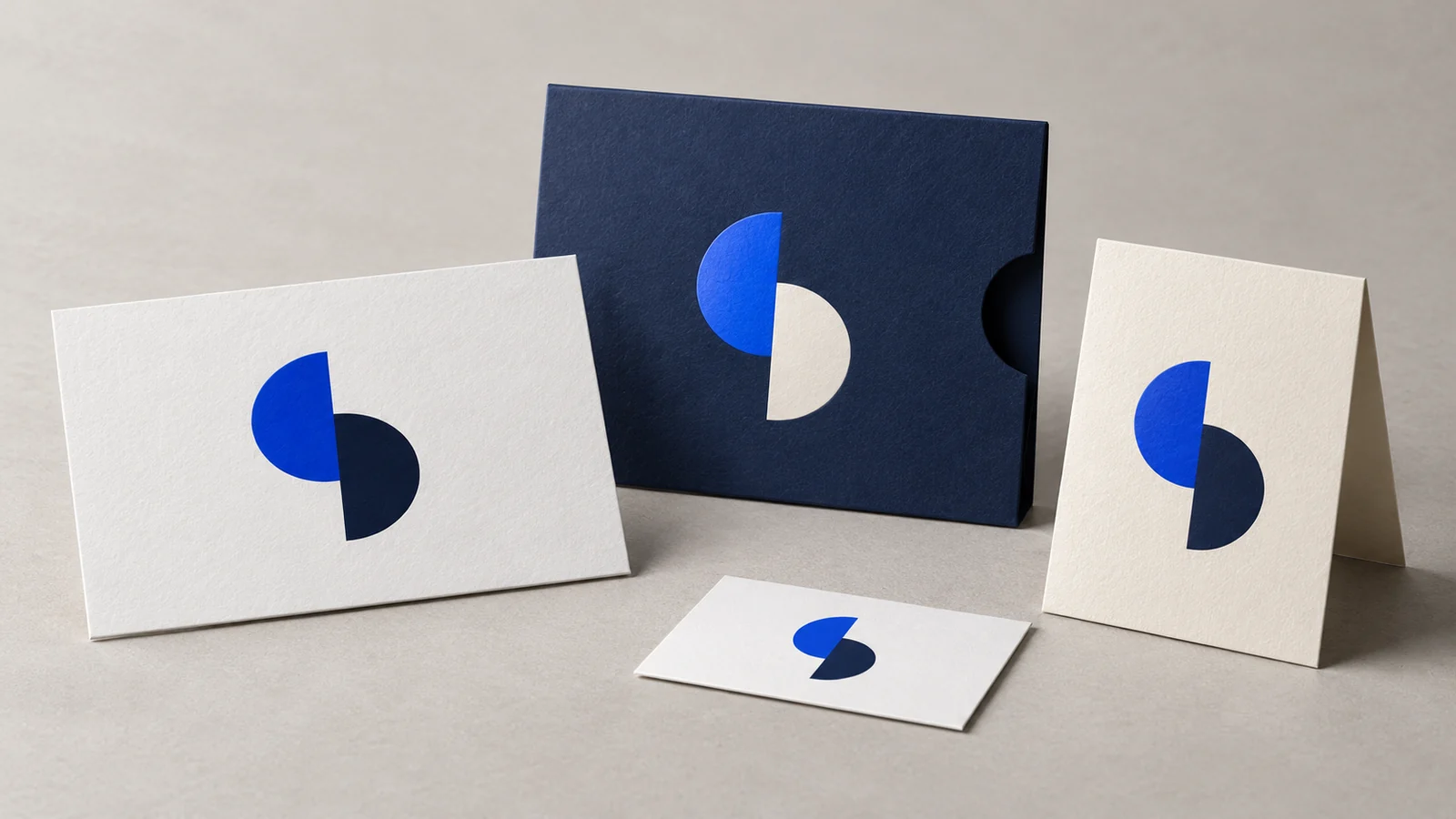
How to Choose a Logo Mockup Template for a Website Project
Evaluate logo mockups by purpose, editable format, software dependencies and permitted use. Check the plain logo and actual website layout alongside the scene.

Motion Array for Website and Video Projects: What to Check
Evaluate Motion Array assets for software compatibility, dependencies, permitted use, editing and website delivery. Keep license and handoff records with the project.
LimeWire AI Integrations: What to Verify Before Building
Separate historical LimeWire AI API claims from current product documentation. Verify the interface, data handling, costs and acceptance checks before development.

Upscale an Image With AI: Set a Target and Check the Detail
Use AI upscaling only when the source needs enlargement, preserve the original, inspect important details and compare the exported result at its intended display size.

Divi Bistro Theme Builder Pack: Plan Template Assignments Before Import
Review the Bistro pack as a template set. Record intended assignments, shared parts and unaffected pages before evaluating an import on a working copy.

Reddit Free-Form Ads: Plan the Content and Landing Page
Understand Reddit’s 2024 free-form ad launch and plan the explanation, destination page, approvals and measurement before a paid campaign.

3 Checks to Investigate a Google Search Traffic Drop
Check report scope, affected pages and website changes before diagnosing a Google Search decline. Use Search Console evidence without guessing the cause.

CrowdTangle Has Closed: Plan a Reporting Replacement
CrowdTangle closed on August 14, 2024. Define the reporting task, check Meta Content Library eligibility and review affected website data connections.

Sublime Text Multiple Selections: A Careful Editing Workflow
Use Sublime Text’s multiple selections deliberately: add or skip occurrences, check platform bindings, review the diff and test the affected website.
Email Header Design: Layouts, Mobile Checks and Message Headers
Plan a clear email opening, separate visual design from technical message headers, and test the layout and linked website on a phone.