
Practical advice for
better websites.
Guides to website design, WordPress, Shopify, SEO and keeping your site working well.

ChatGPT Workspaces: Check Access Before Sharing Business Content
Review the intended ChatGPT workspace, member access, connected sources and shared output before using business material in a collaborative workflow.

TikTok Creative Center Hashtags: Record the Tool’s Coverage
Use current TikTok Trends guidance and record the filters, period and visible coverage before interpreting a missing hashtag or comparing trend counts.
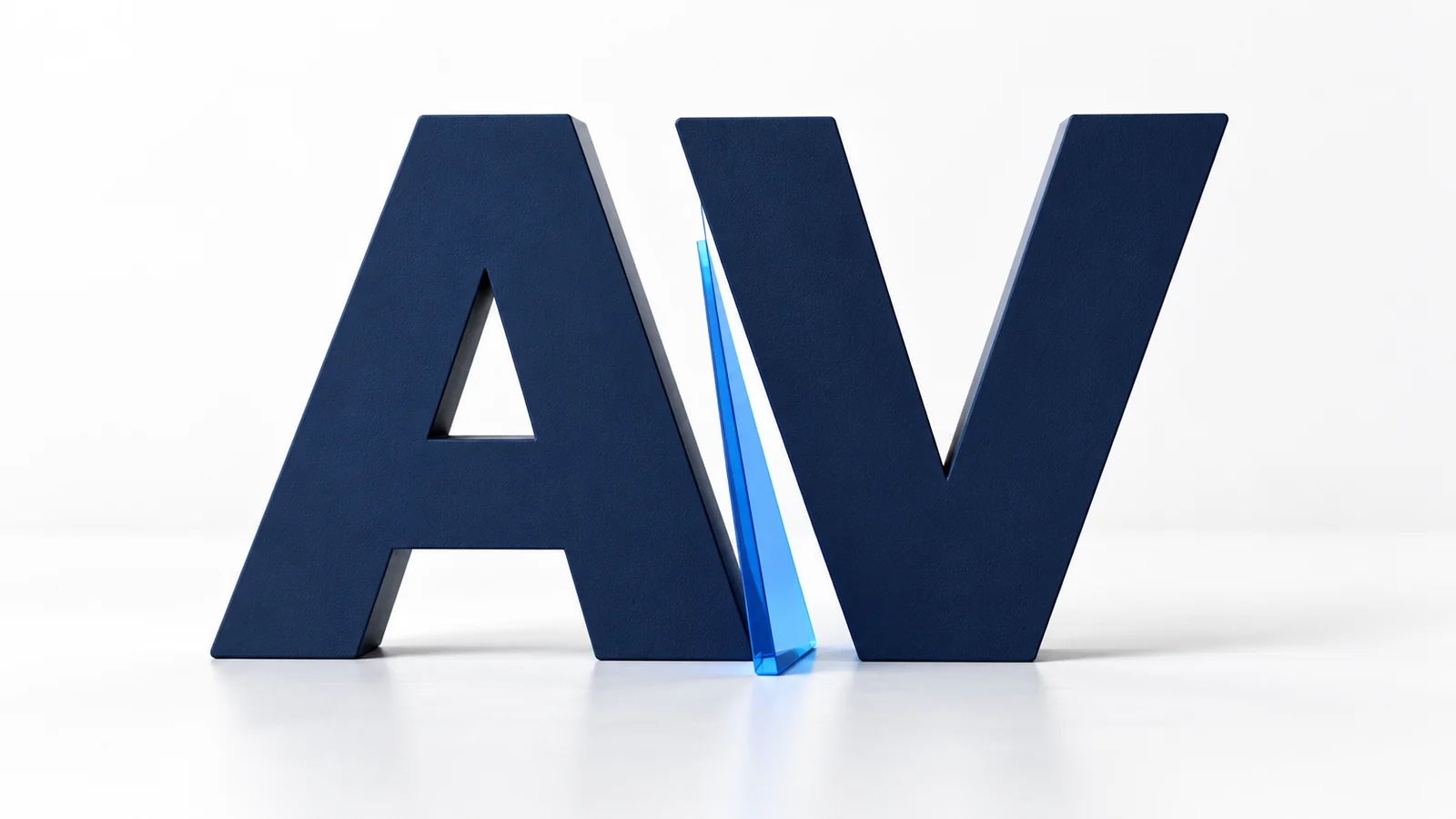
What Is Kerning? Review Letter Pairs in Real Website Text
Understand pair-specific kerning, distinguish it from letter spacing and test a heading’s actual font and browser output before changing typography.
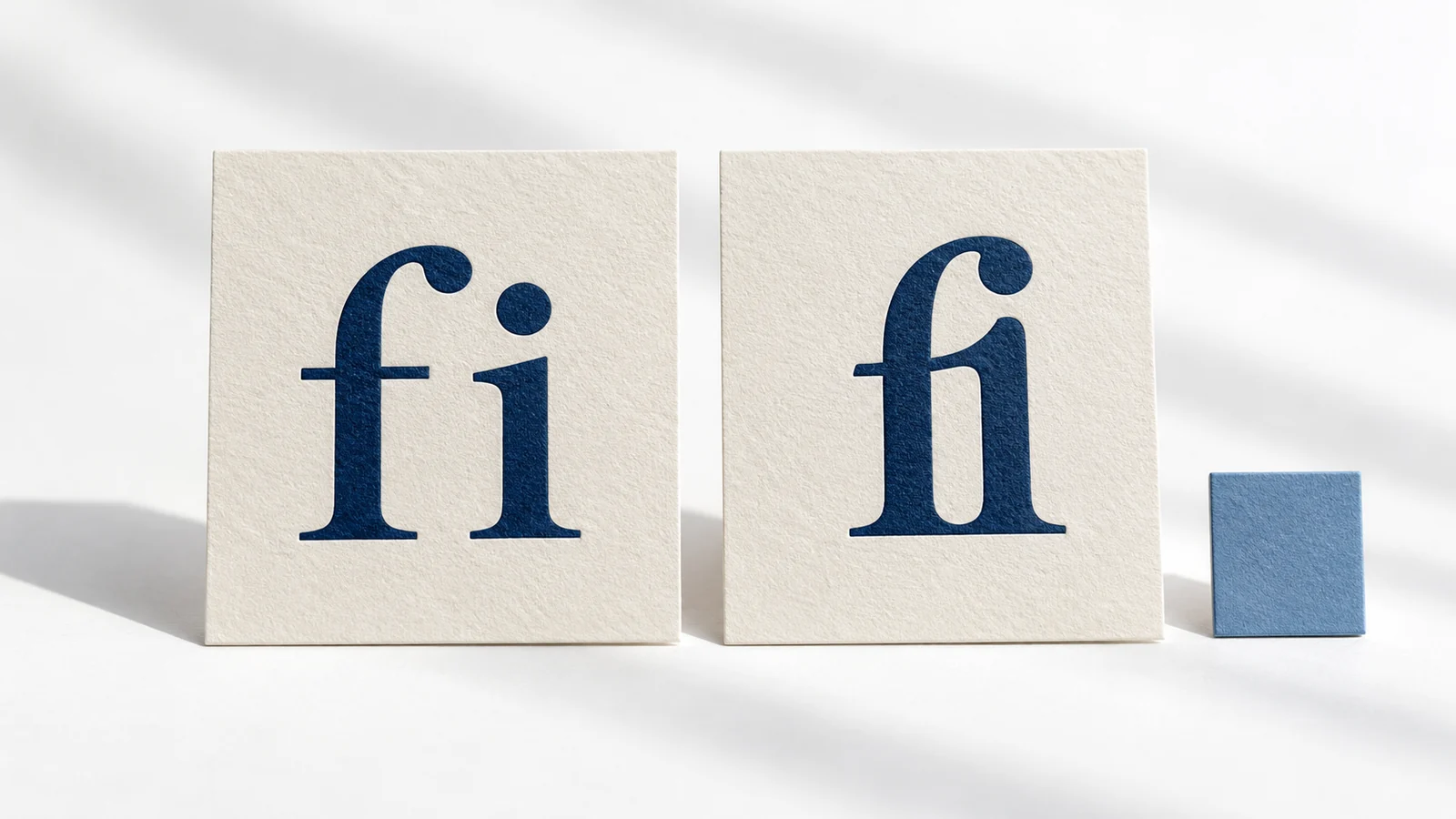
Old-School Fonts: Review Ligatures and Alternates Before Export
Check optional ligatures and contextual letterforms in real words before exporting an old-school type treatment or applying it to website headings.

Web Design Career Skills in an Era of AI Builders
Evaluate web design roles through actual duties, practical skills and portfolio evidence. Learn to review tool output without assuming a job or earnings guarantee.
Author Bylines and SEO: Make Writing and Review Roles Accurate
Credit the actual writer and reviewer, explain relevant experience and keep visible article credits consistent with the existing Article schema.
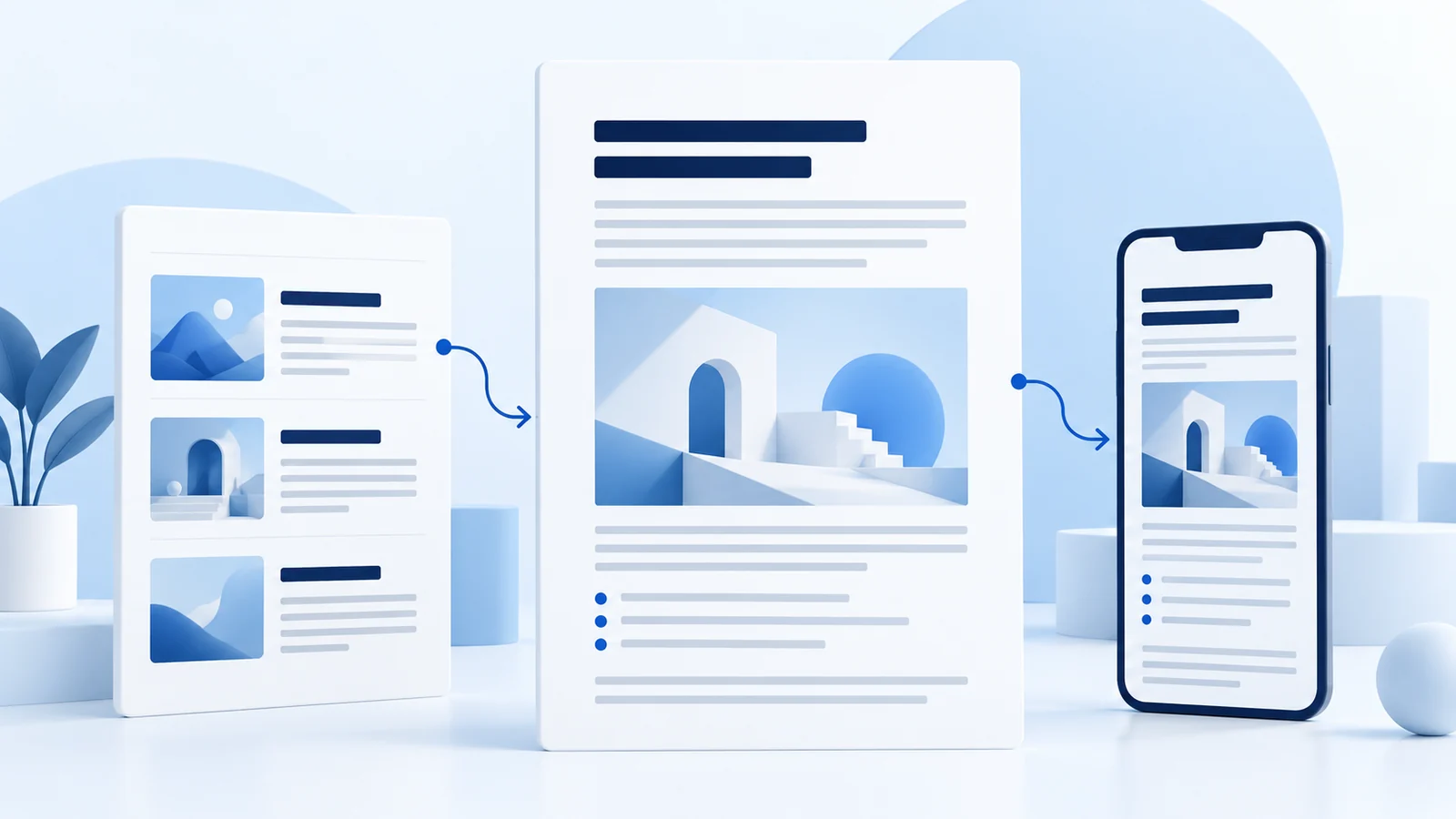
Shopify Blog Templates: Better Reading and Content Discovery
Review Shopify blog and article templates for readable content, mobile use, navigation, useful product links, and practical maintenance.
Social Content Review: Turn Audience Questions Into a Decision
Use an end-of-cycle social content review to record audience questions, the evidence behind a proposed change and the decision for the next publishing cycle.

Why Google Shows a Different Search Snippet
Learn why Google can use page content instead of your meta description, how query context affects snippets, and what to check before changing your copy.

Floating Divi Blurbs: Separate Sticky Position From Scroll Motion
Review which Divi element sticks, which one moves and where the effect ends before approving a floating Blurb layout for desktop and mobile.
Website Builder Demos: Test a Routine Update With Your Future Editor
Have the person maintaining your website complete a realistic editing task, preview the result and correct it before selecting a website builder.

Google People Cards: Build a Clear Professional Profile Instead
Replace outdated People Card setup advice with a public professional profile that explains accurate experience, affiliation and an appropriate contact route.

Read Website Export Files: WXR, Code ZIP and CMS CSV
Interpret a WXR attachment reference, a Webflow code package and a CMS CSV without assuming the files contain the same content or working functions.

Premiere Lower Thirds: Check Names, Captions and the Final Frame
Review a lower-third identity label with approved names, caption placement, current Premiere controls and the actual exported video frame.

What Is Leading in Typography? Check Line Height in Real Layouts
Understand leading and CSS line-height, compare real paragraphs and check that adjusted text spacing does not clip or overlap website content.

Keyword Domains and SEO: Compare the Name Without a Ranking Promise
Evaluate a keyword domain by recognition, spelling and business scope while keeping Google’s actual domain-name guidance separate from ranking assumptions.
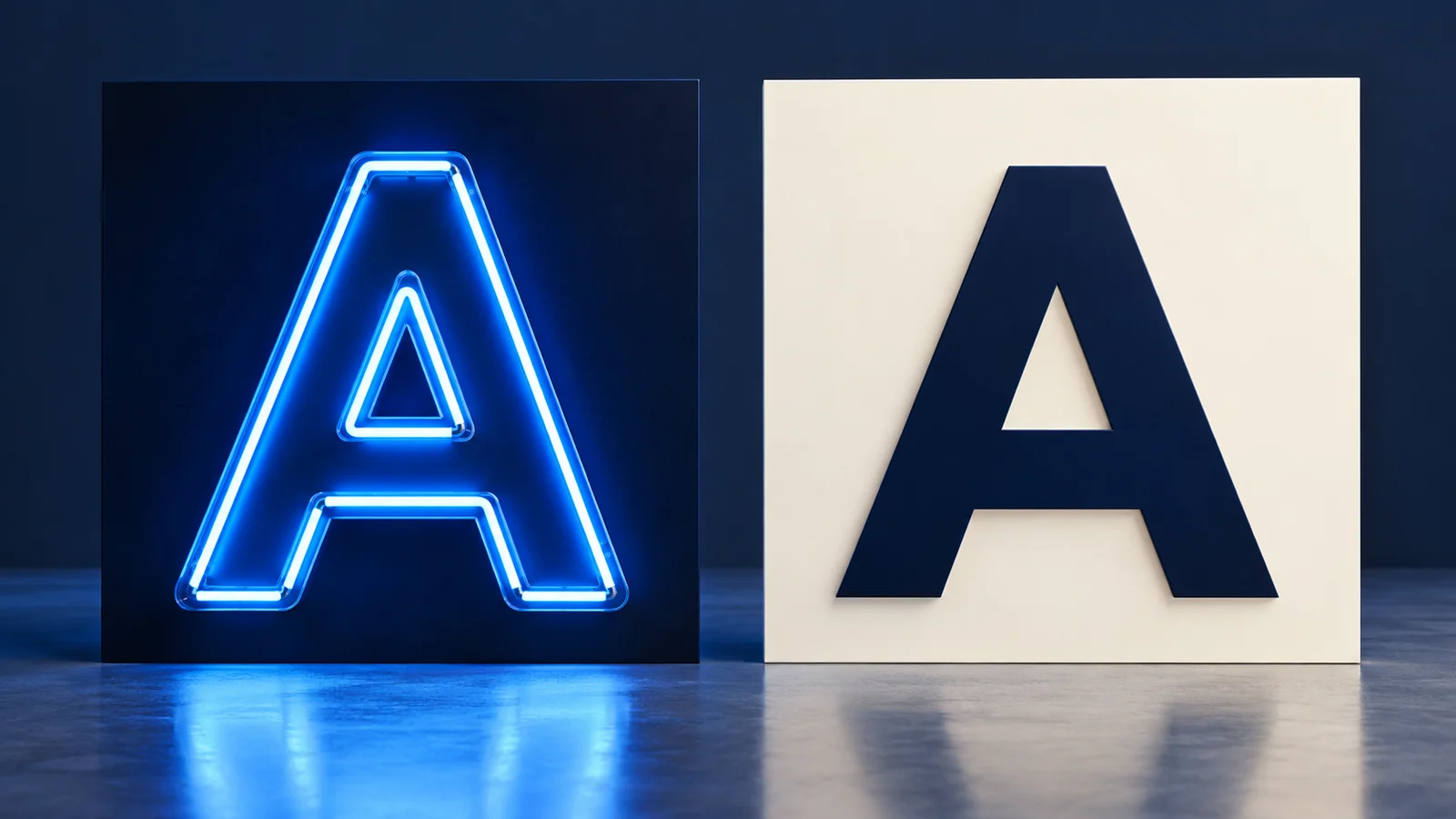
Retro 80s Typography: Check Outline and Neon Text Contrast
Review the actual text colors, background and stroke weight of outline or neon lettering before approving a retro website heading.

Google Ads Experiments: Match the Test to the Campaign Type
Choose an experiment route that supports the actual campaign and proposed change before turning PPC advice into a live account test.
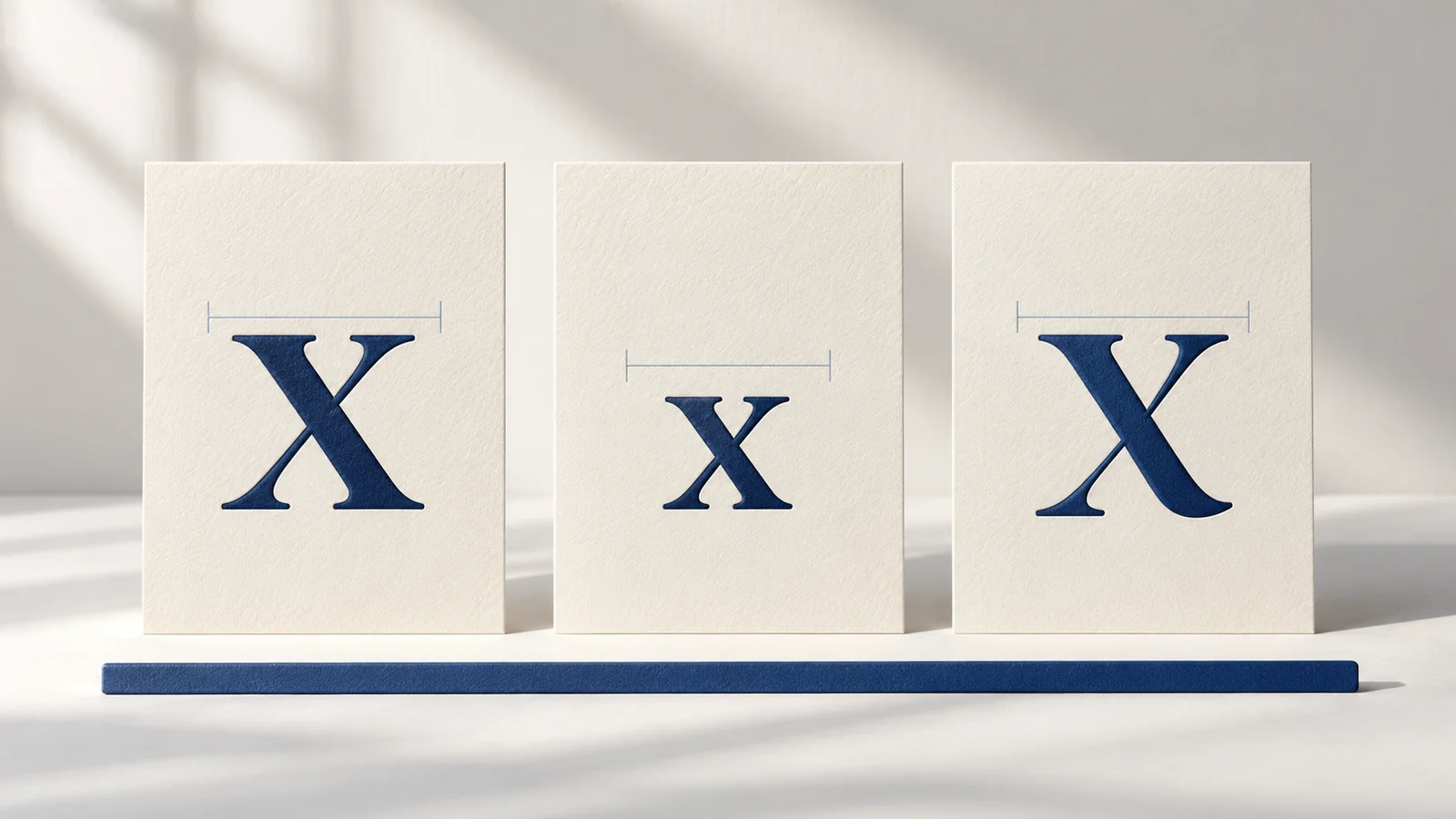
Aesthetic Fonts and Fallbacks: Check the Visible Text Size
Review the apparent size of fallback text and understand font-size-adjust without assuming equal CSS font sizes produce identical letter heights or layouts.
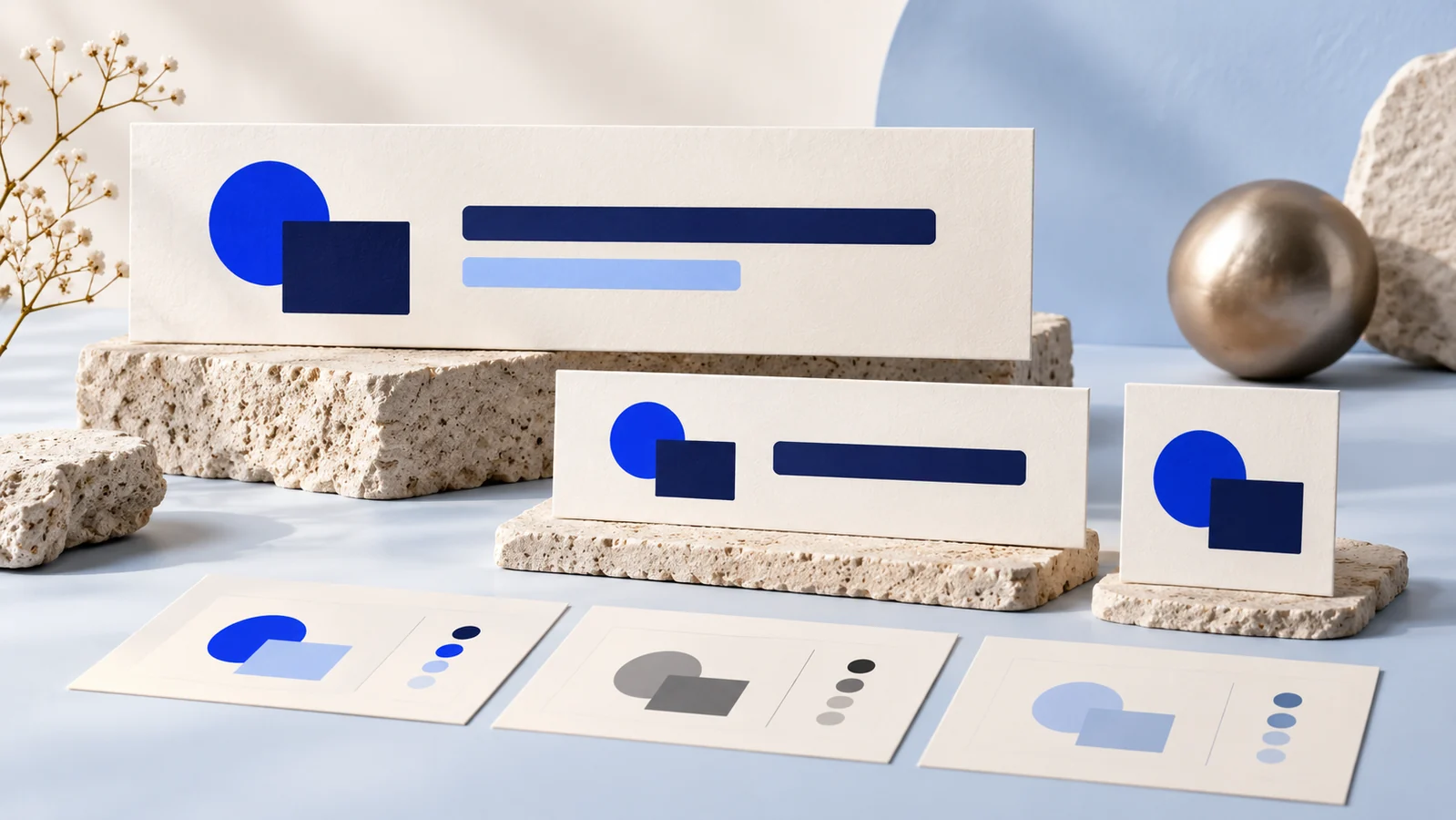
Responsive Logos: Choose the Variant for the Actual Placement
Define approved detailed and compact logo variants, verify how the website selects them and preserve a clear accessible purpose for linked logos.

WWW vs. Non-WWW: Check the Exact URL Before Diagnosing Indexing
Compare the exact host, redirect target and indexed canonical before interpreting a missing site-search result as an indexing problem.
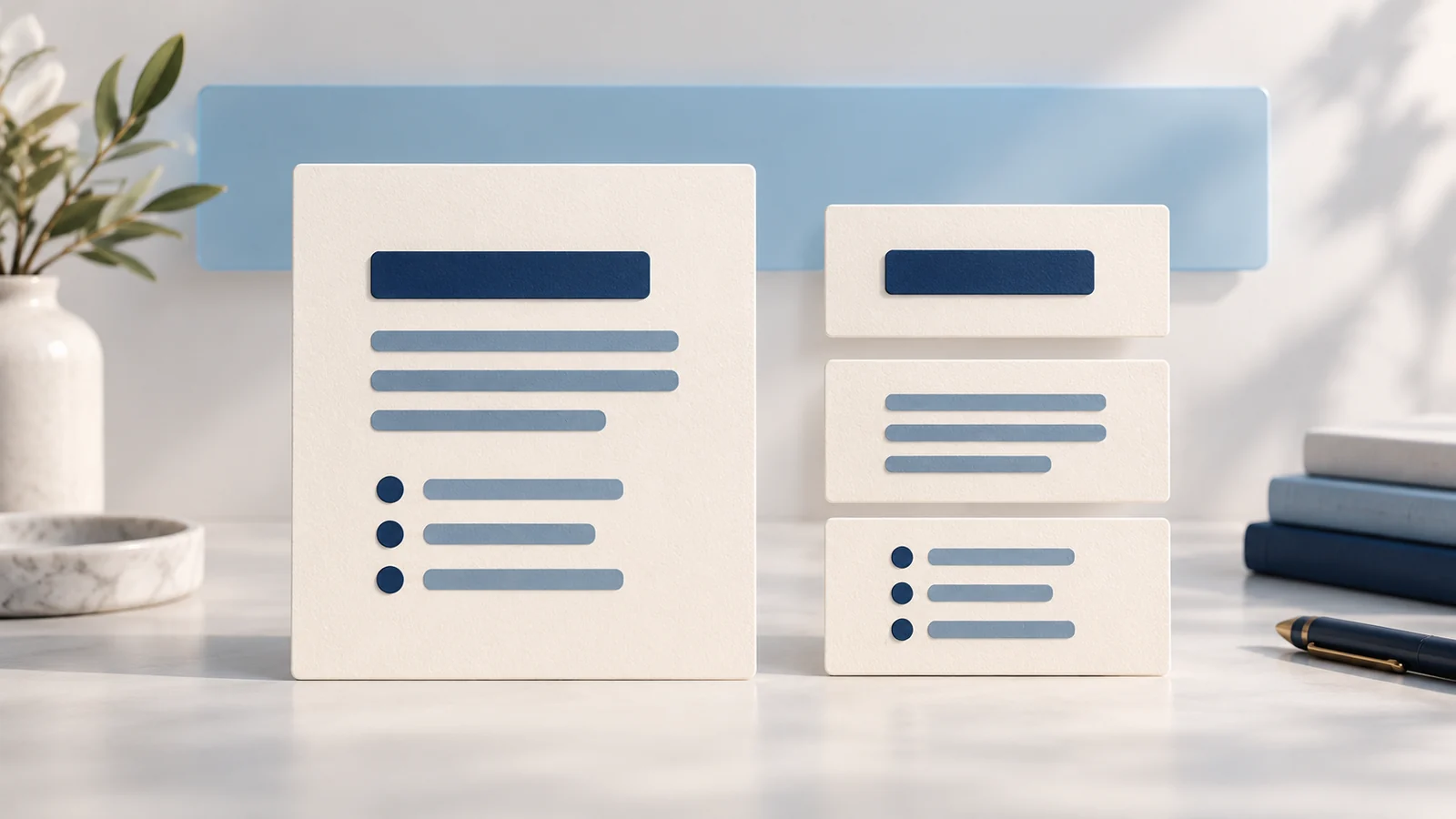
WordPress Convert to Blocks: Check What You Are Converting
Distinguish the Classic block’s Convert to blocks control from converting a third-party builder layout, changing a theme or rebuilding shared templates.
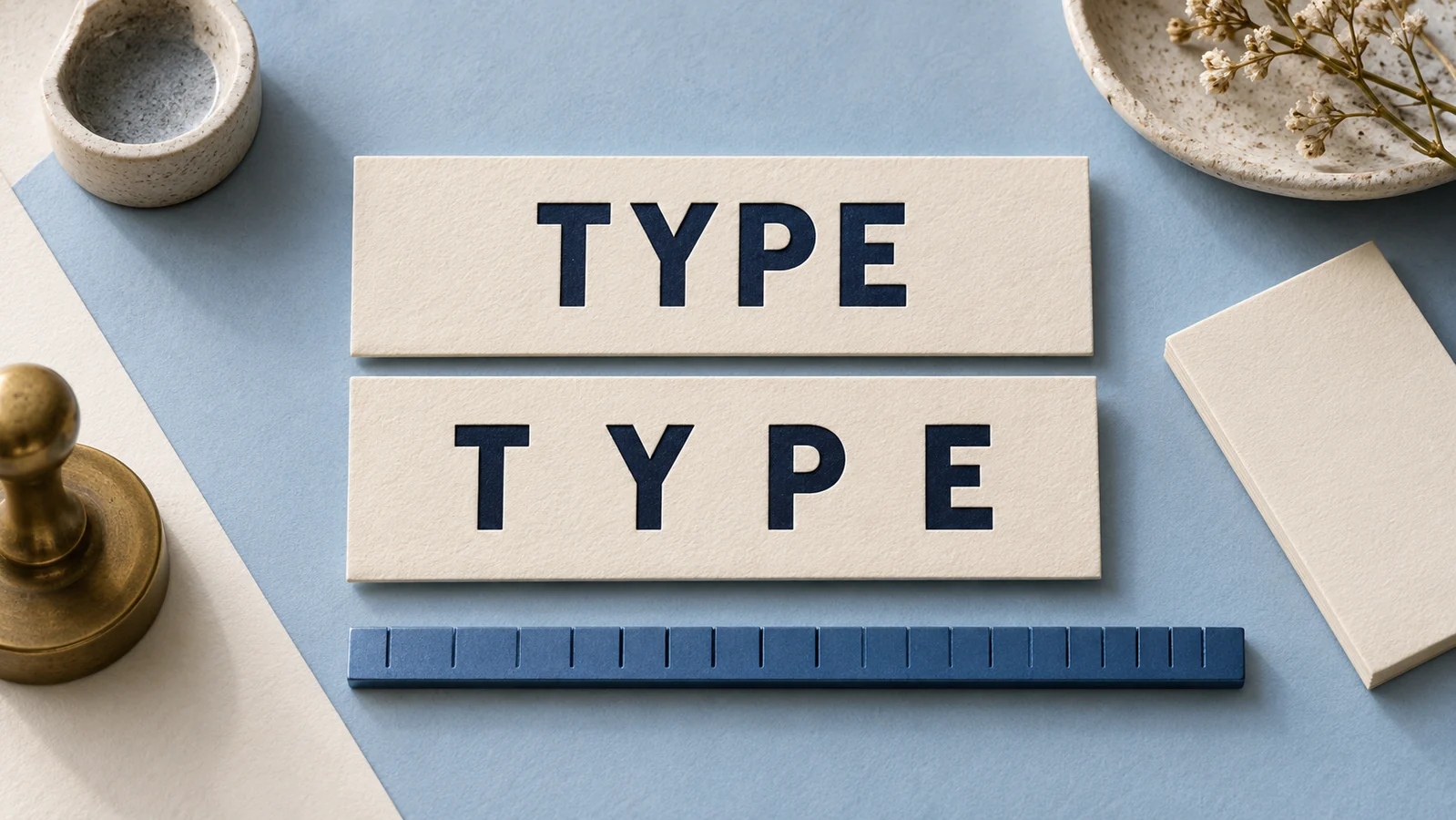
Tracking in Typography: Choose and Review Letter Spacing
Distinguish tracking from kerning and leading, then review a real text range at its intended size, language and layout without relying on a universal value.

Divi Blurb Structure: Give Each Card One Clear Action
Map a Divi Blurb image or icon, title and body to one understandable action, then check the saved page for conflicting destinations and usable focus behavior.

InDesign Catalog Templates: Prove the Product Records Fit
Evaluate a catalog template with short and long product records, missing-image checks and an output reconciliation before accepting a full InDesign merge.
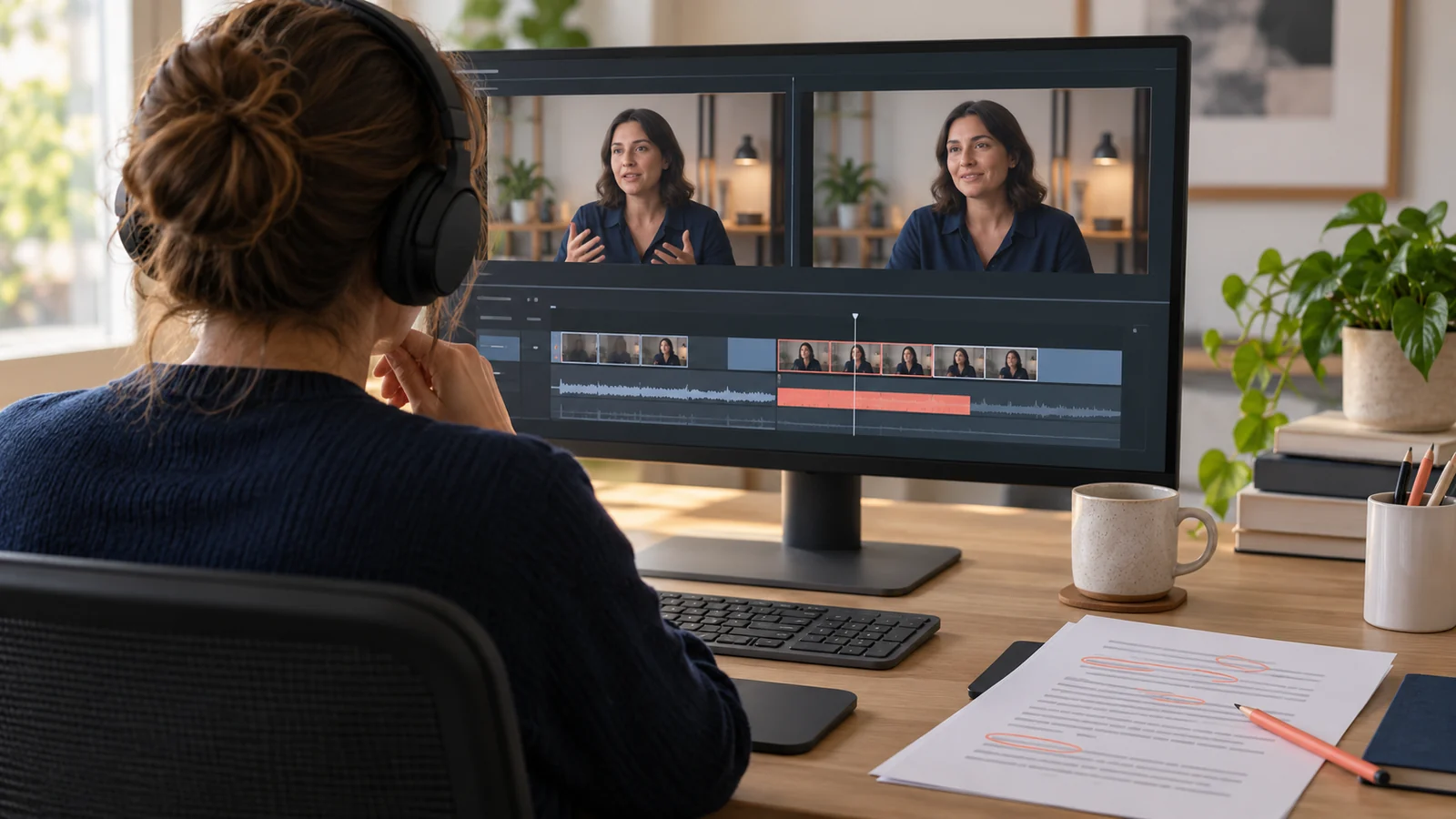
AI Video Editing: Review What a Dialogue Cut Changes
Use a before-and-after dialogue review to check automated pause and filler cuts, preserve the speaker’s qualifications, and approve the actual exported sequence.

Sweatpants Mockups: Check Artwork Across Garment Views
Review wearer-left and wearer-right placement, pockets, waistbands and leg folds across sweatpants mockup views without treating the scene as a physical sample.

Divi Contact Fields: Set and Check a Useful Minimum Length
Choose a justified minimum character length, distinguish it from a required field, and check empty, below-limit, exact-limit and above-limit input on the actual form.

Luxury Website Design: Keep the First Useful Action Available
Review luxury website art direction alongside a concrete product or inquiry task, with a usable static presentation and motion controls where needed.
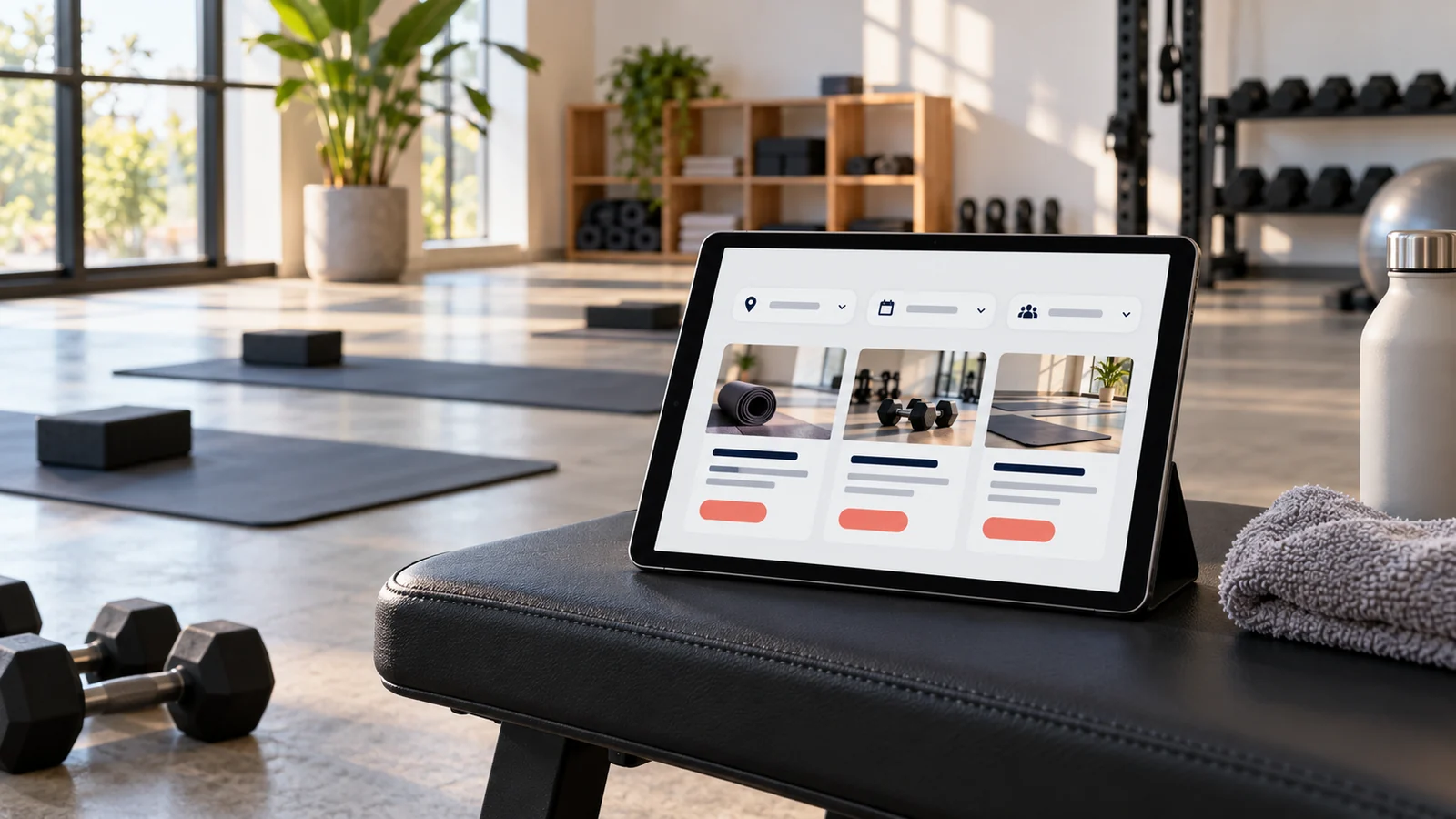
Gym Website Design: Make the Class Finder Explain Its Results
Design a gym class finder around understandable filters, accurate result labels and a useful no-results route, while keeping booking capacity in its own system.